
How to automate video content for your business with AI
QuickAdVideo Team
Author
Spending three hours editing a single product video, only to get middling results, is a frustrating cycle that kills momentum fast. For online business owners, e-commerce sellers, and digital agencies, video is no longer optional. It drives conversions, builds trust, and dominates every major social platform. The problem is the production bottleneck. Scripting, filming, editing, captioning, and resizing for each platform eat up time you don’t have. AI-powered video automation breaks that bottleneck. This guide walks you through the tools, the step-by-step process, the quality controls, and the real-world lessons that turn video creation from a weekly burden into a scalable system.
Table of Contents
- Understanding the benefits and challenges of video automation
- What you need: Essential tools and setup
- Step-by-step: Automating video content creation
- Ensuring quality and trust in automated video content
- Why smart automation balances AI and human creativity
- Automate your video content with QuickAdVideo
- Frequently asked questions
Key Takeaways
| Point | Details |
|---|---|
| Efficiency leap | AI automation can turn hours of manual editing into under an hour of batch video creation. |
| Quality checkpoints | Human review and brand alignment are vital for maintaining audience trust. |
| Workflow power | Integrating tools and triggers, like HubSpot APIs, enables personalized video outreach at scale. |
| Balanced approach | AI is best used for drafts and testing, but polished final content should remain human-guided. |
Understanding the benefits and challenges of video automation
Video automation is not about replacing creativity. It’s about removing the repetitive, time-consuming steps so your creative energy goes further. The efficiency gains are real and measurable. A properly built workflow can
For e-commerce sellers running ads on tight margins, that kind of scalability is a game changer. Instead of choosing between one polished ad or five mediocre ones, you get both. Automation handles the volume while your team focuses on strategy and messaging.
The benefits go beyond speed:
- Consistency: Automated workflows apply the same brand standards every time, reducing the risk of off-brand visuals or mismatched captions.
- Cost reduction: Cutting post-production hours directly reduces labor costs, especially for agencies managing multiple clients.
- Testing volume: More video variations mean more A/B testing data, which leads to better-performing ads over time.
- Platform coverage: One source video can be automatically resized and reformatted for TikTok, Instagram Reels, YouTube Shorts, and Facebook Ads simultaneously.
But there are real challenges to watch for. Quality control is the biggest one. When you automate at scale, small errors multiply fast. A single off-brand color or awkward AI voice can appear across dozens of assets before anyone catches it.
Consumer trust is another factor. AI avatars may reduce conversions when viewers detect they are not real people, which means human review is not optional. It’s a required checkpoint in any serious workflow.
“AI gets you 80% of the way there fast. The last 20% — the human polish — is what determines whether the video converts or gets scrolled past.” — Experienced video marketer
Understanding UGC ads vs traditional video marketing also helps you decide which automation approach fits your brand before you build the system. The AI sales video generator category has matured enough that the tools now handle most of the heavy lifting, but the strategy still needs a human hand.
What you need: Essential tools and setup
Before you automate anything, you need the right toolkit. Trying to patch together incompatible tools wastes more time than it saves. Here is what a solid video automation stack looks like in 2026:
| Tool | Primary function | Best for |
|---|---|---|
| Descript | Transcription and editing | Repurposing long-form video |
| ChatGPT | Script and caption writing | Drafting and ideation |
| Canva | Visual design automation | Thumbnails and graphics |
| HeyGen | AI avatar video generation | Personalized outreach |
| ElevenLabs | AI voice synthesis | Voiceovers and narration |
| QuickAdVideo | End-to-end video ad creation | E-commerce and sales ads |
Workflows using Descript, ChatGPT, and Canva handle editing, transcription, and visual generation rapidly, allowing content teams to produce dozens of assets from a single recording session. This combination is especially effective for agencies managing high content volume across multiple brands.
For personalized outreach at scale, HubSpot integrations with HeyGen and ElevenLabs automate personalized video delivery triggered by contact activity in your CRM. That means a prospect who fills out a form can receive a personalized video in their inbox within minutes, without any manual effort from your team.
When evaluating tools, focus on these key features:
- Open API access: Tools with open APIs connect to your existing CRM, email platform, or ad dashboard without friction.
- Batch processing: Look for platforms that let you generate multiple video variants simultaneously rather than one at a time.
- Model flexibility: The ability to switch between UGC style, cinematic, or direct response formats matters when your clients have different needs.
Pro Tip: Always choose tools with open API support from day one, even if you don’t plan to use it immediately. Scaling later without API access means rebuilding your entire workflow from scratch.
For businesses that want a single platform covering the whole pipeline, check out the AI video ads guide to understand how to get started quickly. QuickAdVideo’s end-to-end AI tools and dedicated AI video editor remove the need to stitch together multiple platforms, which is a major time saver for solo operators and small teams.
Step-by-step: Automating video content creation
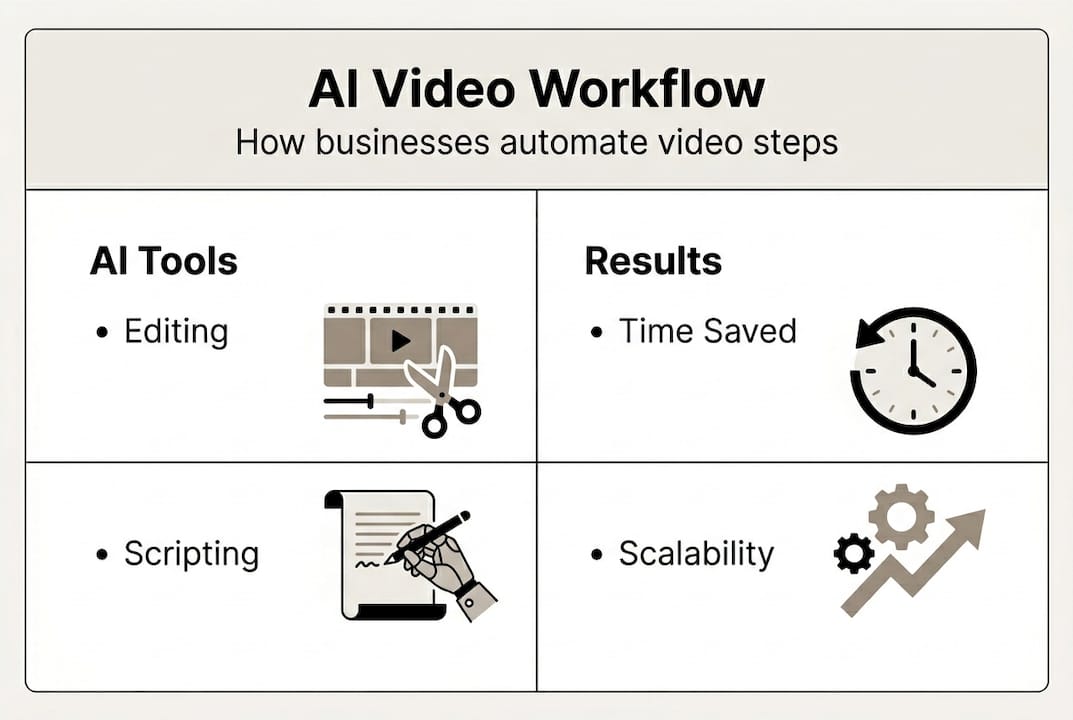
Now let’s get practical. Here is the full automation workflow from raw input to published asset:
- Input your source material. Paste a product URL, upload a raw video, or enter a script prompt. The platform or workflow pulls in your brief and begins processing.
- AI transcription and script generation. Tools like Descript transcribe existing video and ChatGPT generates platform-specific captions, hooks, and scripts from the transcript.
- Visual generation. Canva templates auto-populate with your brand assets, product images, and generated copy. AI avatar tools like HeyGen render spokesperson clips.
- Platform formatting. The workflow resizes, reframes, and adjusts aspect ratios for each target platform automatically.
- Human review checkpoint. A team member or account manager reviews the batch before anything goes live. This is not optional.
- Approval and publishing. Approved assets are scheduled and pushed directly to TikTok, Instagram, YouTube, or Facebook.
A workflow like this is where one video becomes 46 pieces in under 60 minutes, turning what used to take a full production day into a focused morning session.
For CRM-driven outreach, automated video in HubSpot triggers on contact creation, generates a personalized video via API call, and embeds it directly into a follow-up email sequence. No manual touch needed between trigger and delivery.
| Workflow stage | Tool used | Time saved |
|---|---|---|
| Transcription | Descript | 45 min per video |
| Script writing | ChatGPT | 30 min per asset |
| Visual design | Canva | 20 min per graphic |
| Formatting | QuickAdVideo | 60 min per batch |
| Publishing | Platform native | 15 min per channel |
Pro Tip: Batch process your entire week’s video assets in one focused session rather than creating content daily. This reduces context-switching costs and keeps your workflow in a production mindset.
For a deeper look at how different tools compare for UGC-style content, the UGC video generator comparison breaks down the key differences. You can also track how video trends in 2026 are shaping platform preferences and format priorities.
Ensuring quality and trust in automated video content
Automating video at scale creates a new set of risks that manual production never had. The most common mistakes are skipping human review, overusing AI avatars in every piece of content, and ignoring whether the final output actually matches your brand guidelines.

AI avatars can reduce conversions when viewers detect they’re not watching a real person. That skepticism is growing, and it penalizes brands that rely too heavily on synthetic presenters without balancing them with authentic content.
Here are the quality control practices that protect your brand:
- Mandatory human review: Every batch of AI-generated videos should pass through at least one reviewer before publishing.
- Brand alignment checklist: Font, color, tone, and messaging should match your brand guide on every asset.
- A/B testing: Run AI-generated variants against human-created controls to measure real performance differences.
- Authenticity mixing: Alternate AI-produced content with real user-generated or founder-led video to maintain audience trust.
- Feedback loops: Track comment sentiment and conversion data to catch quality drops early.
“Use AI for drafts and speed testing, then apply human polish for anything going in front of a paying audience. The brands that treat AI as a first draft tool outperform those that treat it as a final product.” — Digital marketing practitioner
For building lasting audience trust strategies at scale, the goal is making AI-powered video feel native and genuine rather than manufactured. A useful parallel is the UGC business guide, which covers how to build authentic video assets that resonate without a big production budget. The AI marketing discussion in active marketing communities reinforces that quality oversight remains the clearest dividing line between brands winning with AI and those burning ad spend on low-converting content.
Why smart automation balances AI and human creativity
Here’s the take most people don’t want to say out loud: full AI automation, without human involvement, underperforms. Every time. The brands chasing pure automation to cut all human costs end up with video content that feels hollow and converts poorly.
The smarter play is treating AI as a force multiplier for your human team, not a replacement for it. AI handles transcription, formatting, script drafts, and platform resizing. Humans handle tone, brand feel, and the final judgment call on what gets published. That split is where contrasting views on AI quality risks land when you strip away the hype on both sides.
The brands getting real ROI from video automation are actively monitoring output quality, running creative reviews on a schedule, and using automation in marketing as a production tool rather than a creative substitute. Automation is a lever. You still have to pull it with intention.
Automate your video content with QuickAdVideo
If you’re ready to put this workflow into practice, QuickAdVideo removes the hardest parts of the process. Paste your product or service URL and the platform generates a sales-ready video in minutes using proven direct response frameworks.
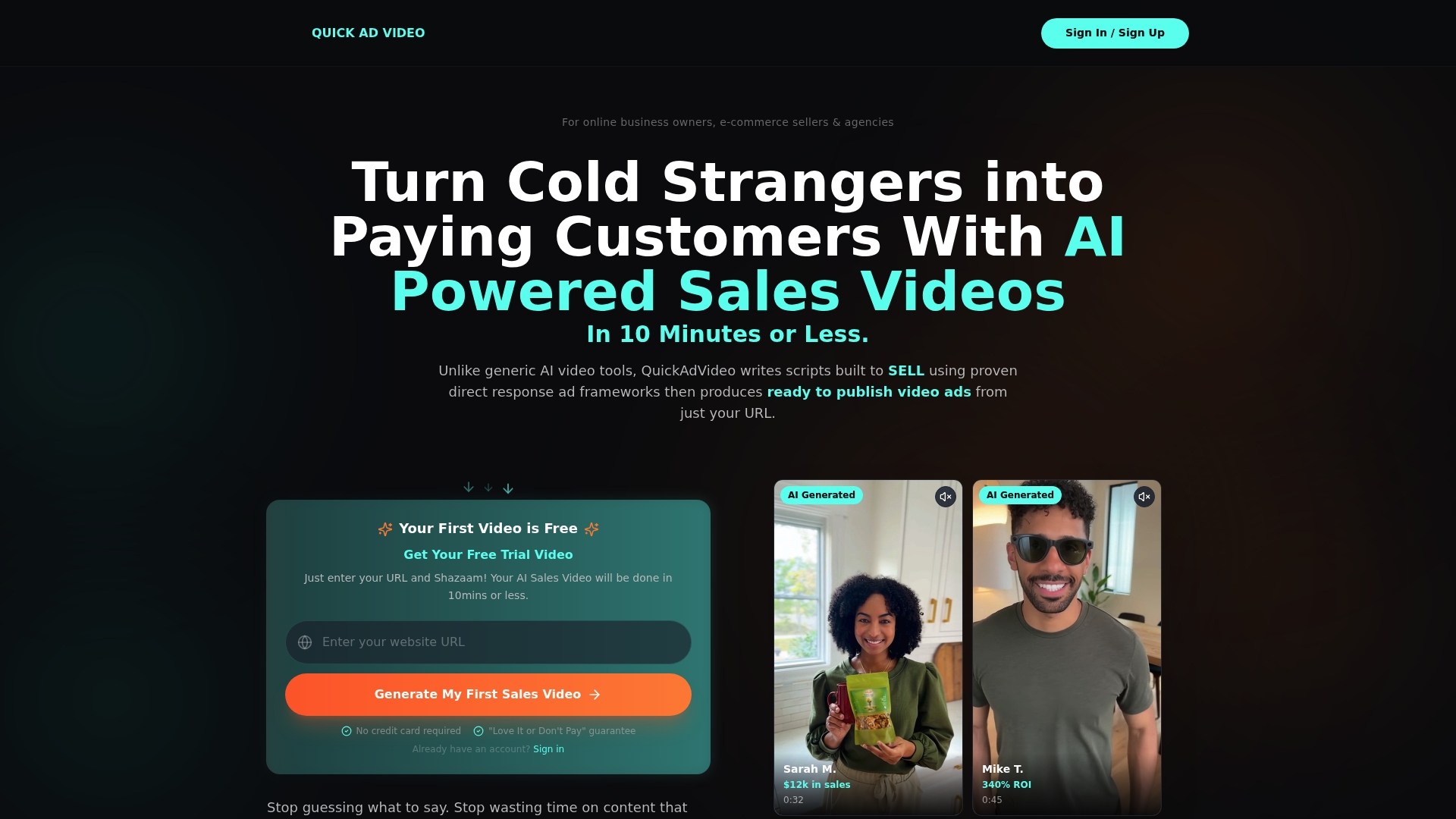
The QuickAdVideo AI video generator supports UGC, cinematic, and viral story formats so you can match your output to the platform and campaign goal. The AI video editor tools let you refine and customize at speed, while the ad director automation handles batch production for agencies running multiple campaigns. No editing skills required. No camera needed. Just faster, better video content ready to publish.
Frequently asked questions
What tools can I use to automate video content?
Popular tools include Descript, ChatGPT, Canva, HeyGen, ElevenLabs, and QuickAdVideo, which together cover editing, transcription, and visuals for high-volume video production.
How do I avoid AI content detection hurting my brand trust?
Pair every AI-generated draft with a human review step and polish finals before publishing. AI avatars can hurt conversions when they feel unnatural, so authentic touches matter.
Can I automate personalized outreach using video?
Yes. HubSpot integrations with HeyGen and ElevenLabs trigger personalized video creation on contact creation and embed those videos directly into email sequences.
What are the main mistakes people make when automating videos?
Skipping human review, over-relying on AI avatars, and ignoring brand alignment are the most common errors. Consumer skepticism rises when AI content lacks any human touch, which directly impacts conversion rates.
Recommended
- Getting Started with AI Video Ads: A Complete Guide | QuickAdVideo Blog
- QuickAdVideo - AI Sales Video Generator
- QuickAdVideo - AI Sales Video Generator
- QuickAdVideo - AI Sales Video Generator
- How AI Tools Are Making Online Marketing Easier and More Profitable for Small Businesses - City Web Company | Digital Marketing Agency
Related Posts

Why Use Templates for Video Ads: Scale Smarter
Discover why use templates for video ads to streamline production. Boost efficiency and scale your campaigns without losing creativity!

The Role of Data-Driven Video Ads in Boosting ROI
Discover the role of data-driven video ads in boosting ROI. Learn how analytics enhance engagement, optimize campaigns, and drive results.

Create Persuasive Video Ads Workflow That Converts
Learn how to create persuasive video ads workflow that transforms your ideas into optimized, high-converting campaigns. Get started today!